Openers · Kettle's Beach
Smart Garage Controller Setup in Kettle's Beach
A contractor is coming to work in the garage on Thursday while you are away. Handing over a remote means chasing it back afterwards, and the keypad code is the one your whole family uses.
Smart Garage Controller Setup
In plain words
Everything about this service starts with the label on your opener. Brand, model number and year of manufacture decide whether a hub can be wired to the same terminals your wall button uses, whether it must instead pair by radio the way a new remote does, or whether the opener already has connectivity waiting to be activated. On many openers the colour of the learn button is the shortcut to that answer, because it marks the generation of radio coding the unit speaks. The technician reads all of this before choosing hardware, so the controller that goes up is one the maker lists as supported for that exact opener.
How the visit goesA smart hub arrived in the mail with a coin-cell sensor and two wires. The instructions ask what colour your learn button is and how old the opener is. Yours is over a decade old and the button colour is not on their chart.
Kettle's Beach
How the visit goes
The door before the app
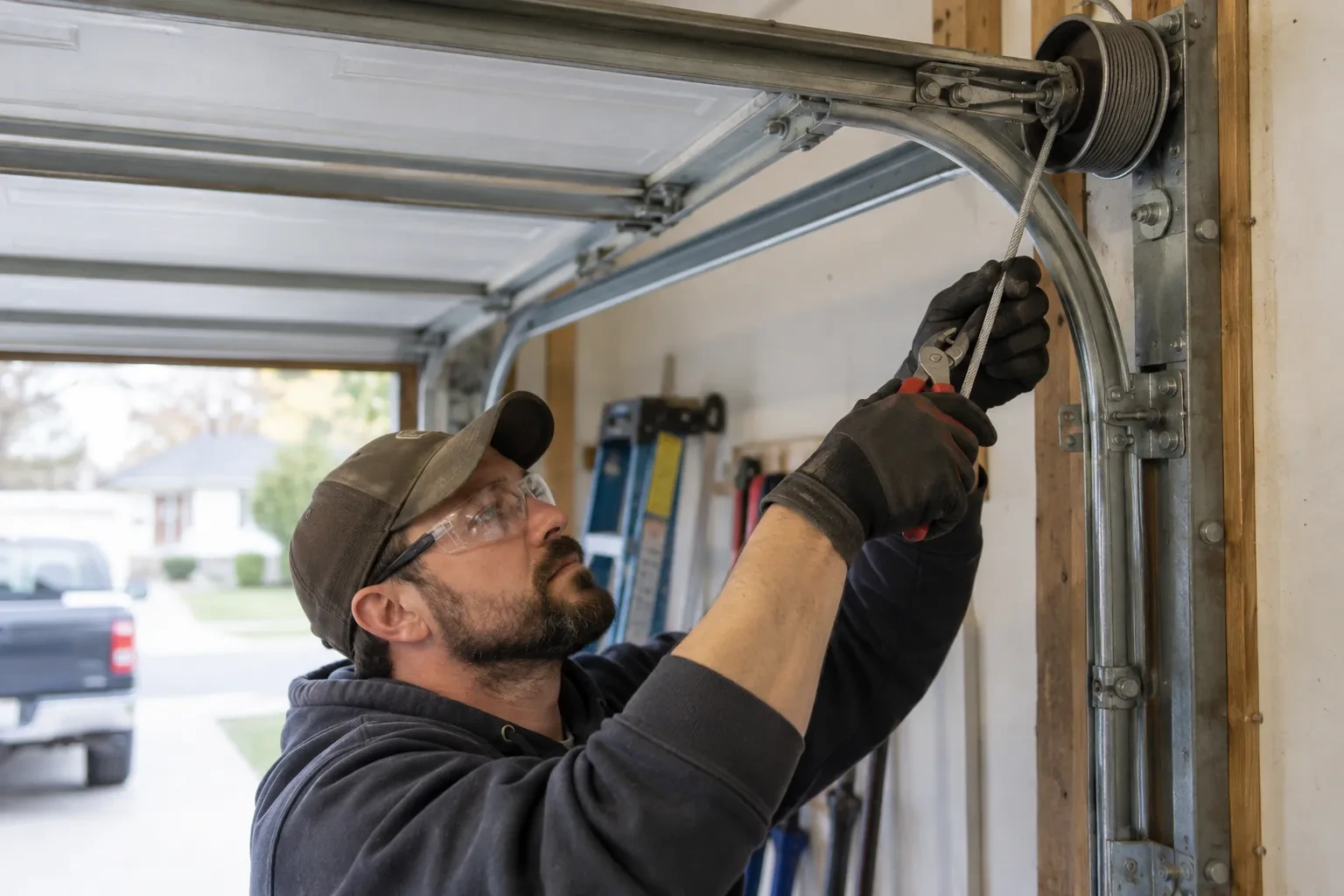
A smart controller sits on top of a mechanical system, so the mechanical system is checked first. With the door closed the trolley is released and the door lifted by hand: it should rise with modest effort, hold at about a metre and stay fully open. Rollers, hinges, cables and track are looked over, and the opener is run from the wall control to watch its travel and hear its drive. A balanced, smooth door gives the controller reliable position reporting and gives you an opener that is not straining every time your phone asks it to move. Anything found here is put right before the connected part begins.
Joining the home network properly
The hub is joined to the network on the 2.4 GHz band and to the exact network name the household uses every day, not a guest network that might later be switched off. The technician checks that the router's security is a modern type the hub supports and that the signal at the hub's final position is comfortably above the minimum. Where an extender or access point was planned, it goes in first so the hub joins a strong signal from the start. After the join, the hub's firmware update is allowed to finish, and the device is power-cycled once to prove it reconnects on its own without anyone touching it.
Looking after the sensor battery
The door sensor runs on a small battery, typically a coin cell or a pair of cylindrical cells, that lasts a year or two in a heated garage and somewhat less in an unheated one. The app shows a battery indicator and sends a warning as it runs down, so it is rarely a surprise. Replacing it is a small job: pop the cover, swap the cell for the same type the maker specifies, and cycle the door once so the hub hears from the sensor again. Keeping a spare in a kitchen drawer means a low-battery notice on a Sunday morning is a footnote rather than a stopped feature.
Smart Garage Controller Setup
In the van
- Dry-contact adapter for encrypted openers
- Replacement photo-eye pair
- Door-position tilt sensor
- Lithium coin cell or cylindrical cells
- Plug-in power adapter
What affects the quote
Same fees day, night or weekend
1Number of doors
A second door means a second sensor, a second round of pairing and testing and sometimes a second hub, and each door is quoted as its own line.
2Alerts, schedules and integrations
A left-open alert and a nightly schedule are standard. Linking the door to other smart-home systems or setting up several schedules is additional configuration.
3Ceiling height and access
A standard garage puts the head unit and the top door panel in easy ladder reach. High ceilings, storage lofts or a car that cannot move add setup time.
Smart Garage Controller Setup: questions
Why does the door beep and flash before it closes from the app?
Because someone closing a door they cannot see needs to give anyone near it a warning. The operator standard for garage door openers requires an audible alarm and a flashing light for several seconds before a door moves on an unattended command, along with working photo eyes. The beeper and light are built into the controller for that reason, and they are tested during setup so you have heard them yourself.
Where does the door sensor go, and what does it do?
It screws to the inside of the top door section and senses tilt: that panel stands vertical when the door is closed and lies horizontal once the door is open, and the sensor reports the change to the hub by short-range radio. It is placed clear of the opener arm, lock bar and handles, on a flat part of the panel, then paired and proven through full cycles under the maker's own setup procedure so the status in the app is reliable.
Does the hub need its own power?
Yes, from a small plug-in adapter that goes into the same ceiling receptacle the opener uses. There is no battery in the hub itself, so it stays online as long as the receptacle is live. If that receptacle has no spare socket, an approved splitter can be used, or an electrical contractor can add a second receptacle. The adapter should carry a recognized Canadian approval mark, which the technician checks before plugging it in.
Openers & Access
- Chain-Drive Opener RepairThe chain hangs in a loop under the rail and slaps against it on every cycle.
- Belt-Drive Opener RepairAfter the power came back you pulled the red cord to get the car out.
- Garage Door Opener ReplacementThe bedroom above the garage shakes every morning at six when the chain drive fires up.
Smart Garage Controller Setup near you
A garage door in Kettle's Beach rarely fails all at once. It gets louder, slower or less even first. Our services are arranged so you can act at any point: a tune-up while it is still working, a repair when something lets go, or a replacement when the door has earned its retirement.
- Wasaga Beach
- Clearview
- Midland
- Penetanguishene
- Creemore
- Stayner
- Brocks Beach
- New Wasaga Beach
- Oakview Beach
- Oxbow Park
- Firth's Corners
- Portage Park
- Sunnyside
- Dunedin
- Glen Huron
- Singhampton
- Balm Beach
- Coutnac Beach
- Edmore Beach
- Georgian Heights
- Marygrove
- Ossossane Beach
- Perkinsfield
- Sawlog Bay
- Wahnekewaning Beach
- Woodland Beach